Card Formats
See what Hitify cards look like
Hitify cards are designed to look professional, whether you print them yourself or order from us. Below you can see examples of all available formats.
Full Color
The original Hitify look with black background and colorful decorative rings. Ideal for ordered cards or color printers.
- Professional appearance
- Colorful accents
- Best for ordered cards
Front Side (QR Code)
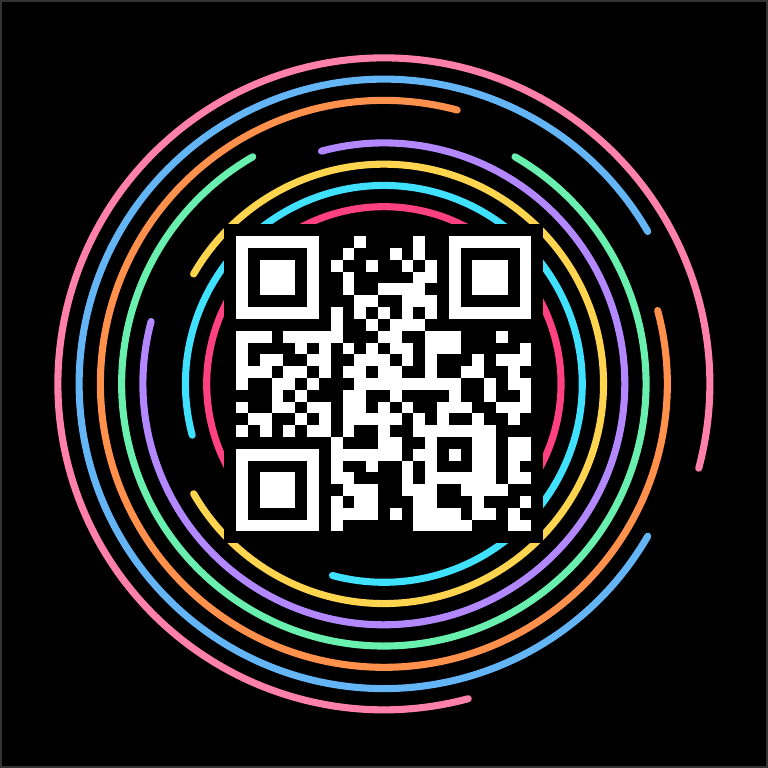
Back Side (Answer)

Black & White
Clean black and white version, perfect for home printers. Saves ink and still looks great.
- Saves ink
- Works on any printer
- Sharp QR codes
Front Side (QR Code)

Back Side (Answer)
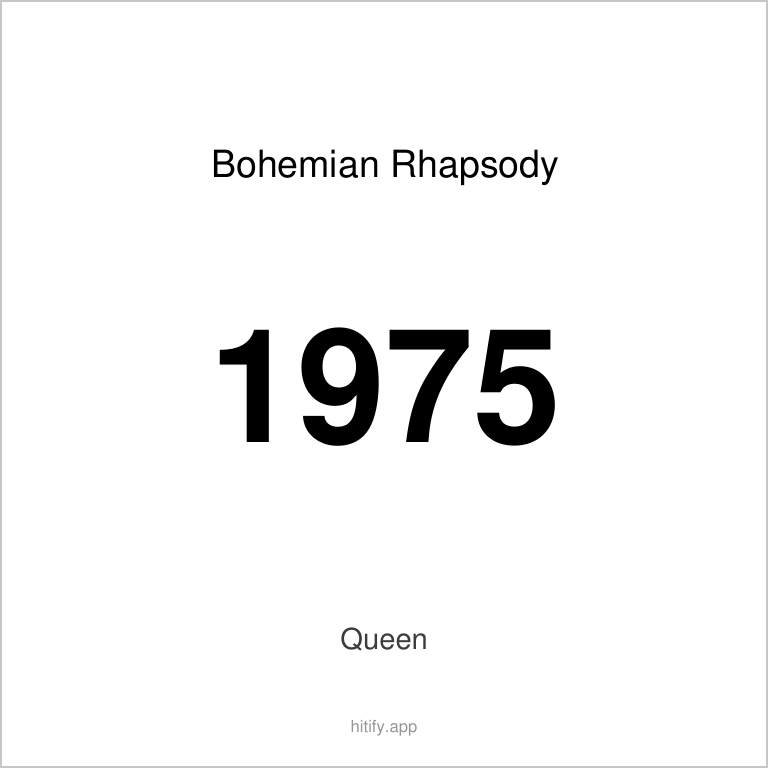
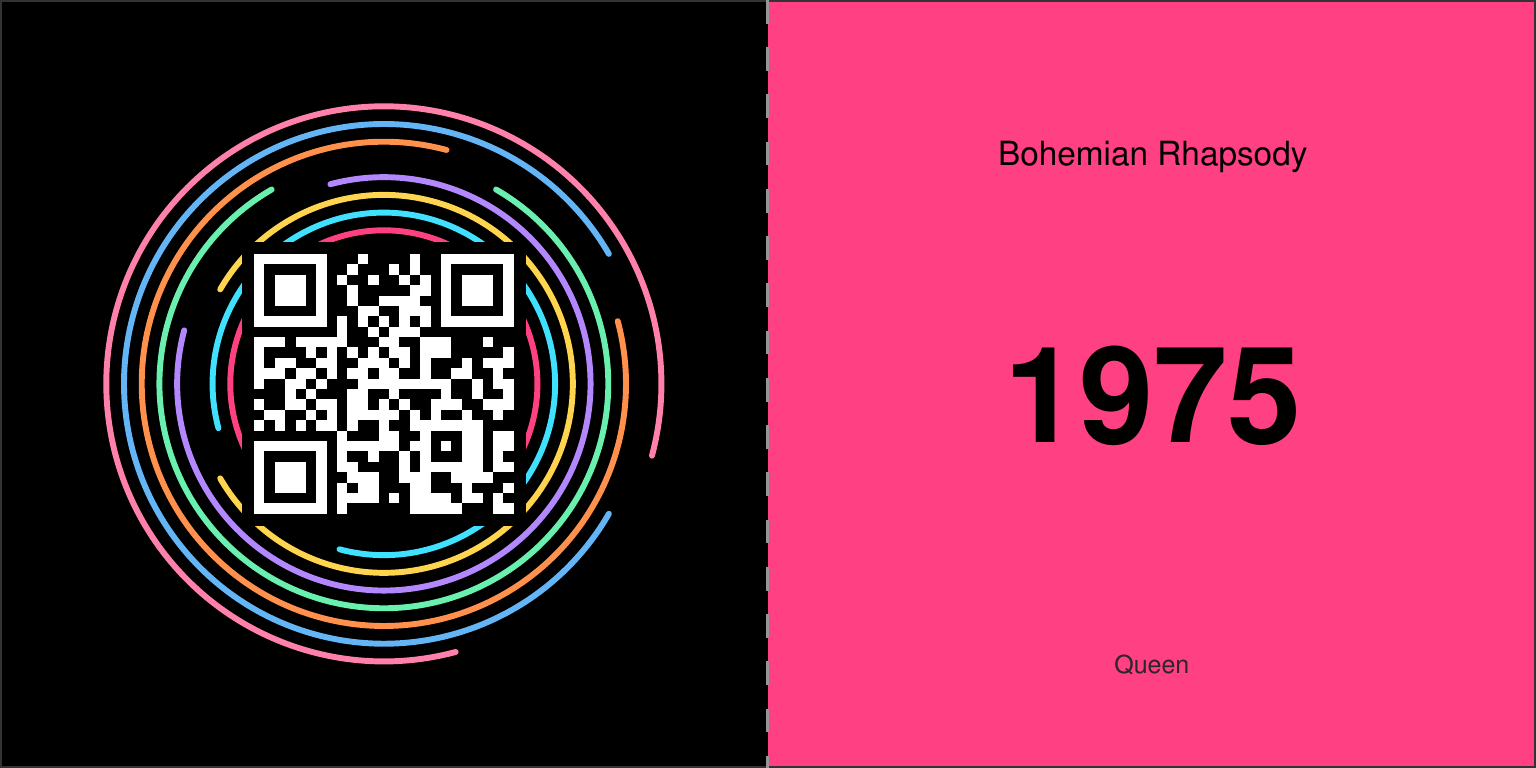
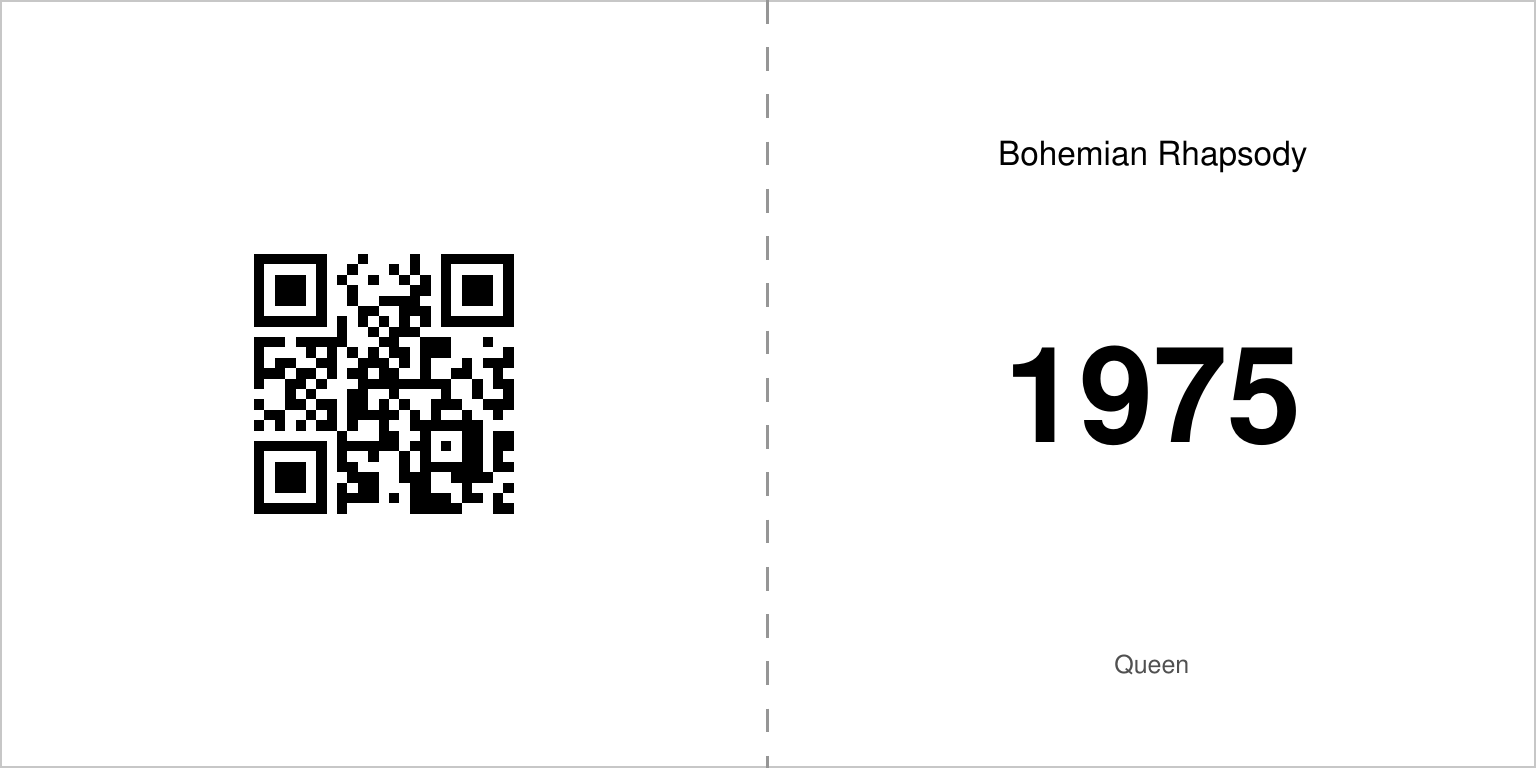
Fold & Glue
Print front and back on one sheet, fold in the middle and glue together. No double-sided printing needed!
- No duplex printer needed
- Easy to make
- Ideal for beginners
Full Color
Black & White
Design the card, not just the playlist
Every card in a pack shares one design. Put your own photograph on it, your own colours and your own words. Designing and downloading are free.
Printing Instructions
How to print your cards at home
Test with one sheet first
Print one page first to check alignment before committing to the entire stack.
Automatic Duplex (Alternating)
For printers with automatic duplex feature. The PDF automatically alternates between front and back pages.
- 1 Open the PDF and select "Double-sided printing" or "Duplex" in your print settings
- 2 Make sure "Flip on long edge" is selected
- 3 Print all pages at once
- 4 The printer handles the flipping automatically
Manual Duplex (Batch)
For printers without automatic duplex. Print all fronts first, then all backs.
- 1 Print the "fronts" PDF file first (all front sides)
- 2 Let the paper dry briefly (1-2 minutes)
- 3 Flip the stack over (bottom to top, do NOT rotate)
- 4 Place the stack back in the paper tray with printed side facing down
- 5 Print the "backs" PDF file (all back sides)
- 6 Tip: Test with 1 sheet first to find the correct orientation for your printer
Fold & Glue
No duplex needed! Print front and back side-by-side, fold in the middle and glue together.
- 1 Print the PDF file single-sided
- 2 Cut out the cards
- 3 Fold each card in the middle (along the dashed line)
- 4 Glue the inside surfaces together with glue or double-sided tape
- 5 Press firmly for a neat card
Printer Tips
- Use thicker paper (160-250 gsm) for sturdier cards
- Let ink dry before printing the back sides
- Set scaling to "Fit to page" so cards fit properly on your paper size
- Black & white printing saves a lot of ink!
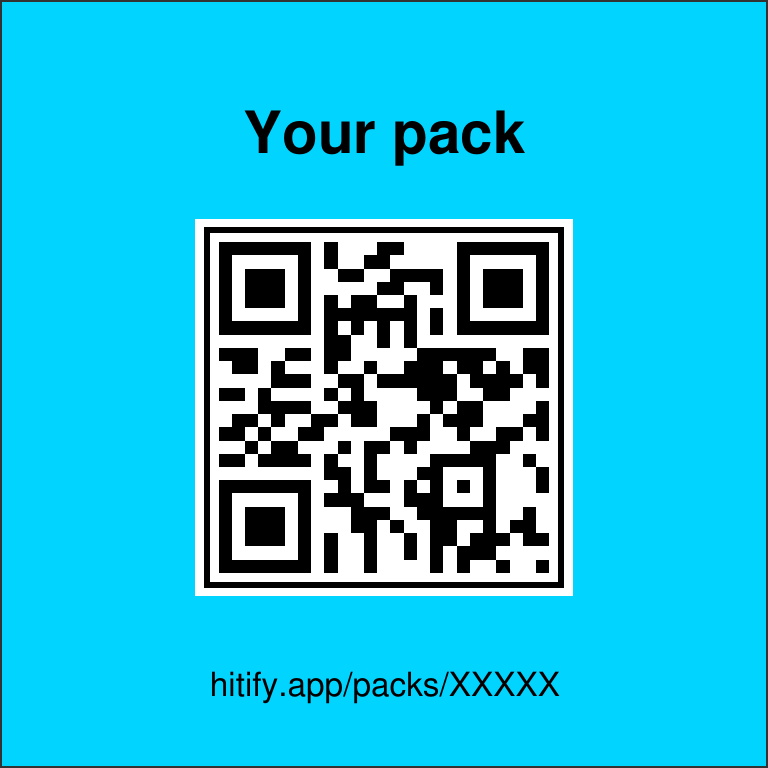
Title Card
Every pack includes a special title card with your pack name and a QR code to start scanning right away. Perfect for identifying your pack!
- Shows your pack name
- QR code to scan page
- Automatically added to PDF
Front Side (QR Code)

Back Side (Answer)
Bonus Cards
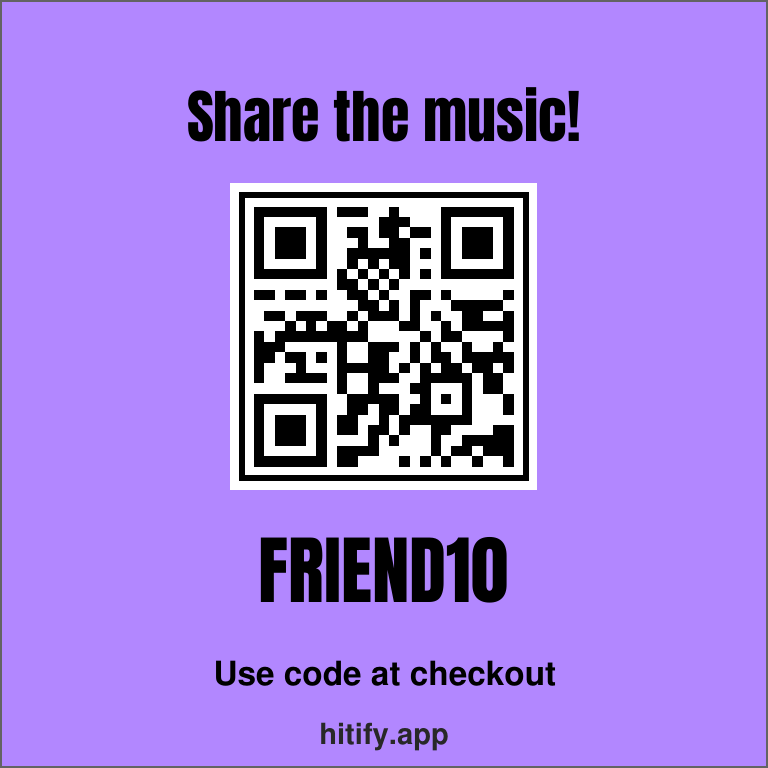
Every pack includes special bonus cards as filler. Share the love with a discount code for friends, or help us out with a review!
Discount Card
Give a friend 10% off with a unique code. Each card has its own discount code.
Front Side (QR Code)

Back Side (Answer)
Review Card
Help us grow by leaving a review. Scan the QR code to go directly to the review page.
Front Side (QR Code)

Back Side (Answer)